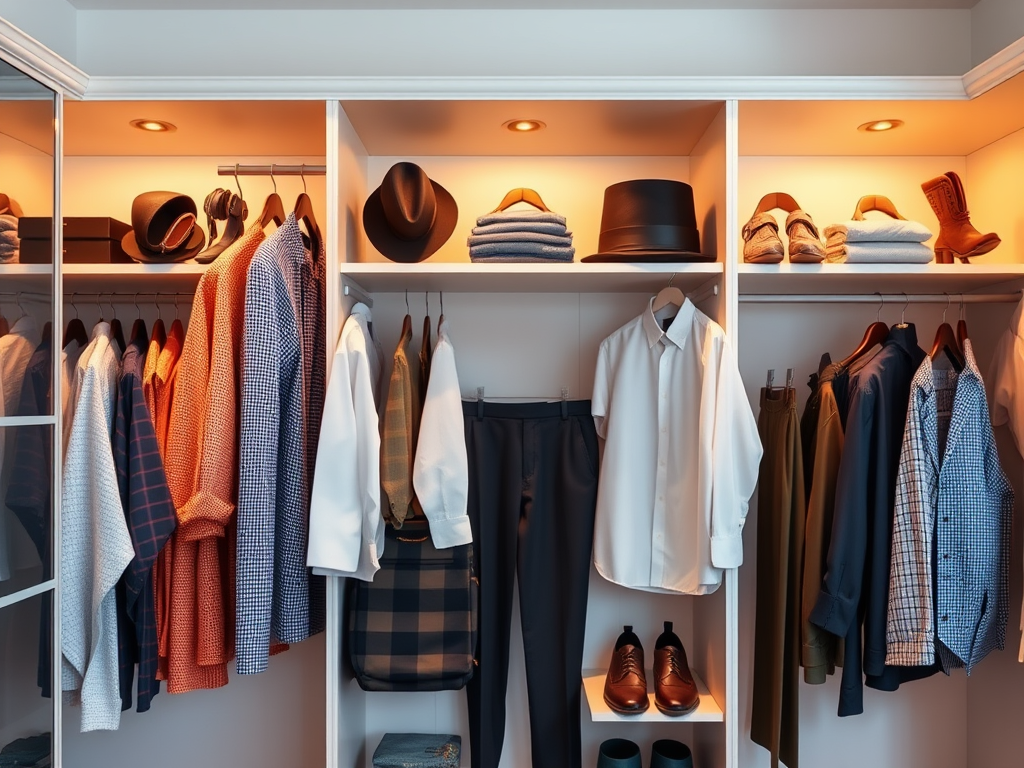
If you’re a Vinted seller, you’ve probably set up a Bundle Discount to encourage buyers to purchase multiple items from your wardrobe. If you haven’t yet, I recommend you read our post about bundles and how they can boost sales. But what if there are specific items you don’t want to include in that discount — can you exclude them?
The Short Answer:
No, Vinted does not currently offer a way to exclude individual items from your Bundle Discount.
Once you set a bundle discount, it automatically applies to all items in your wardrobe.
Why Can’t You Exclude Items?
Vinted’s bundle feature is designed to be simple and automatic. Buyers can easily select multiple items and see the discount applied without extra settings. However, this also means there’s no option to exclude premium or high-value items from the offer.
Possible Workarounds:
While you can’t exclude specific items officially, here are a few things you can do:
- Mention It in Your Item Description:
Clearly state in the item’s description: “Not included in bundle discount” to set buyer expectations. - Adjust Your Bundle Discount Carefully:
Consider lowering the overall bundle discount if you have valuable items you don’t want to reduce in price. - Negotiate Privately:
Buyers often message about bundles. You can explain which items you’re willing to discount and which are not, then adjust the offer manually.
Will This Change in the Future?
At the moment, Vinted has not announced plans to allow item-specific bundle exclusions. However, seller feedback might influence future updates, so it’s always worth keeping an eye on platform changes.
Pro Tip:
If you have rare or expensive items, you can list them slightly higher to offset bundle discounts — giving you more control over final prices.



 Closet Cashflow
Leave a comment